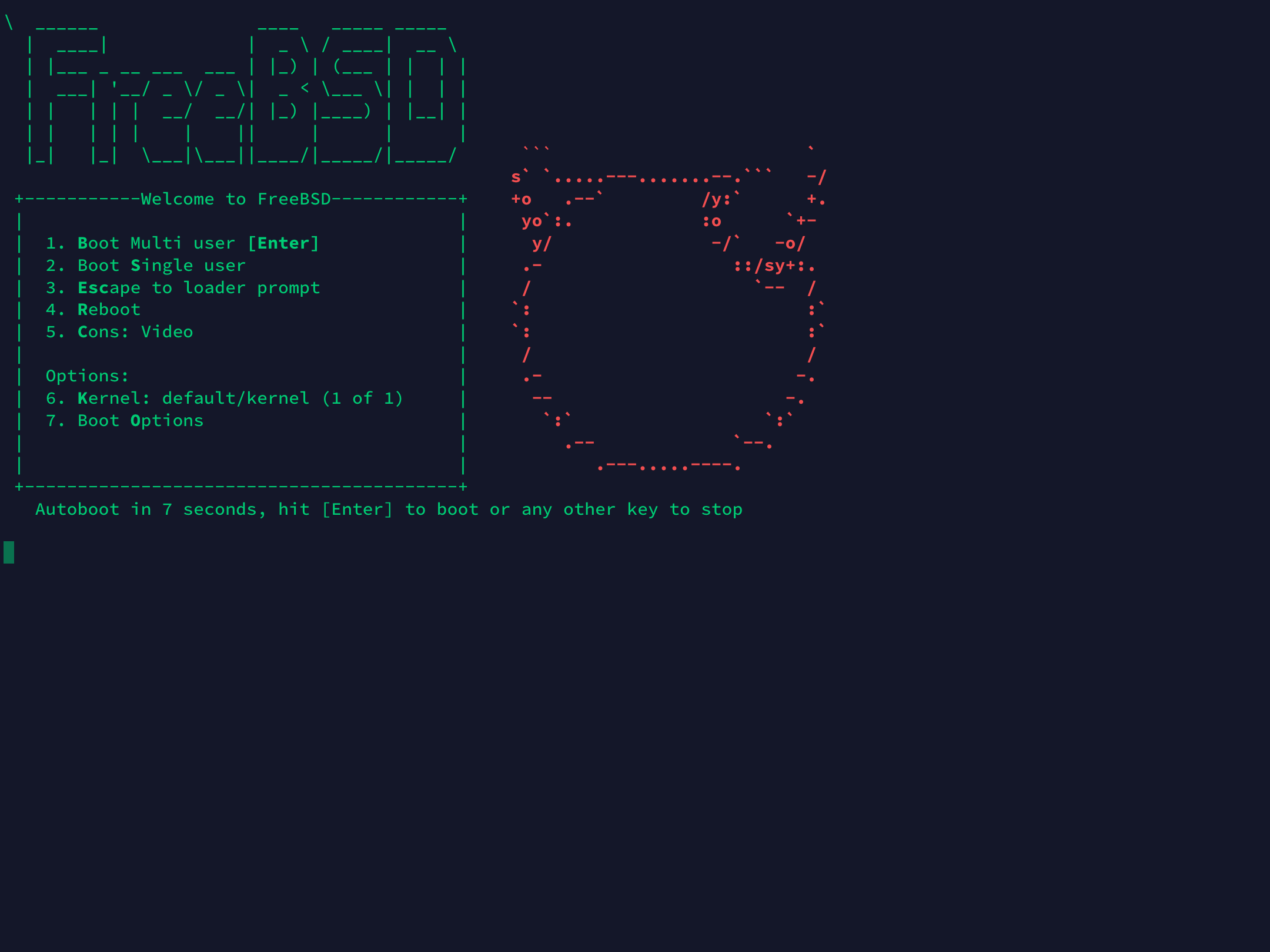
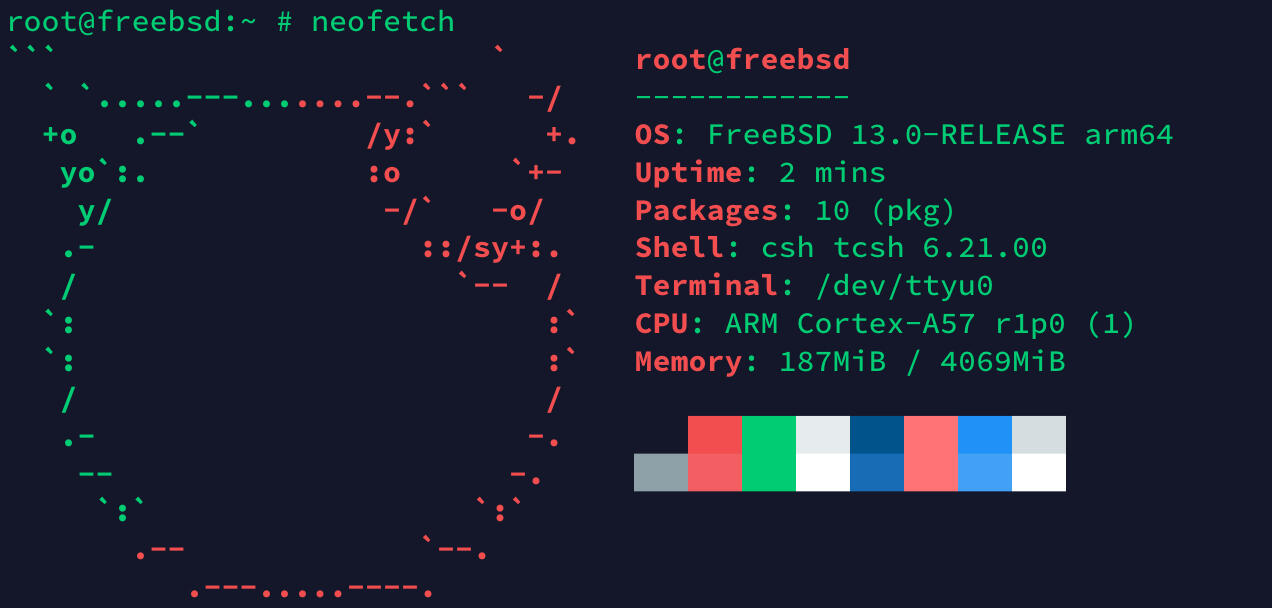
FreeBSD 是一个历史悠久的类 Unix 操作系统(与 Debian 同龄),拥有良好的网络性能,以稳定性和安全性著称。本文以 arm64 为例介绍通过 QEMU 运行 FreeBSD 的方法。
安装 QEMU
sudo apt install qemu-system-arm -y下载压缩包
wget https://download.freebsd.org/ftp/releases/VM-IMAGES/13.0-RELEASE/aarch64/Latest/FreeBSD-13.0-RELEASE-arm64-aarch64.qcow2.xz

## 使用国内镜像
wget https://mirrors.ustc.edu.cn/freebsd/releases/VM-IMAGES/13.0-RELEASE/aarch64/Latest/FreeBSD-13.0-RELEASE-arm64-aarch64.qcow2.xz
压缩包解压
xz -d FreeBSD-13.0-RELEASE-arm64-aarch64.qcow2.xz启动 QEMU
qemu-system-aarch64 -m 4096M -cpu cortex-a57 -M virt \
-bios edk2-aarch64-code.fd -nographic \
-drive if=none,file=FreeBSD-13.0-RELEASE-arm64-aarch64.qcow2,id=hd0 \
-device virtio-blk-device,drive=hd0 \
-device virtio-net-device,netdev=net0 \
-netdev user,id=net0
使用
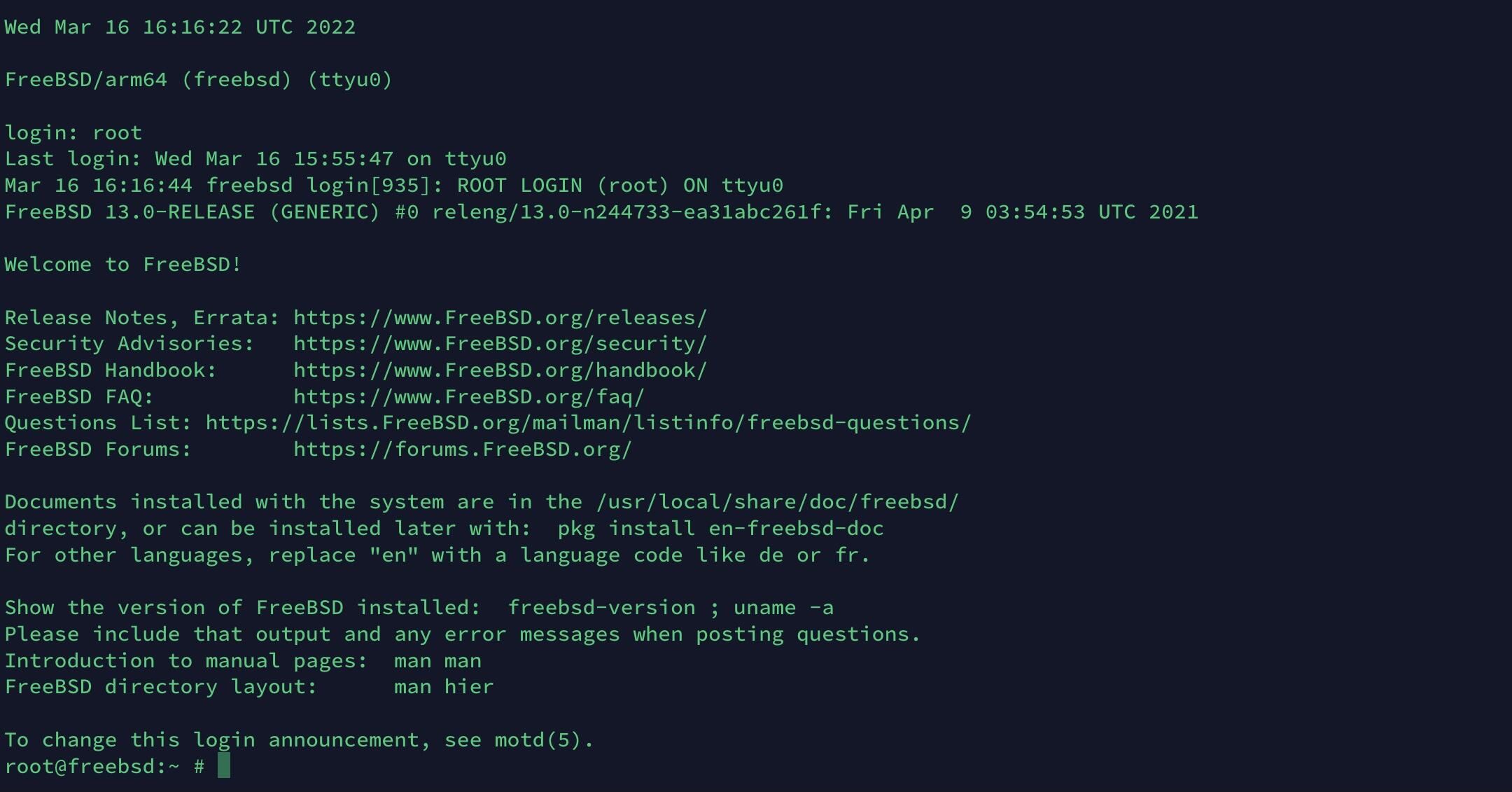
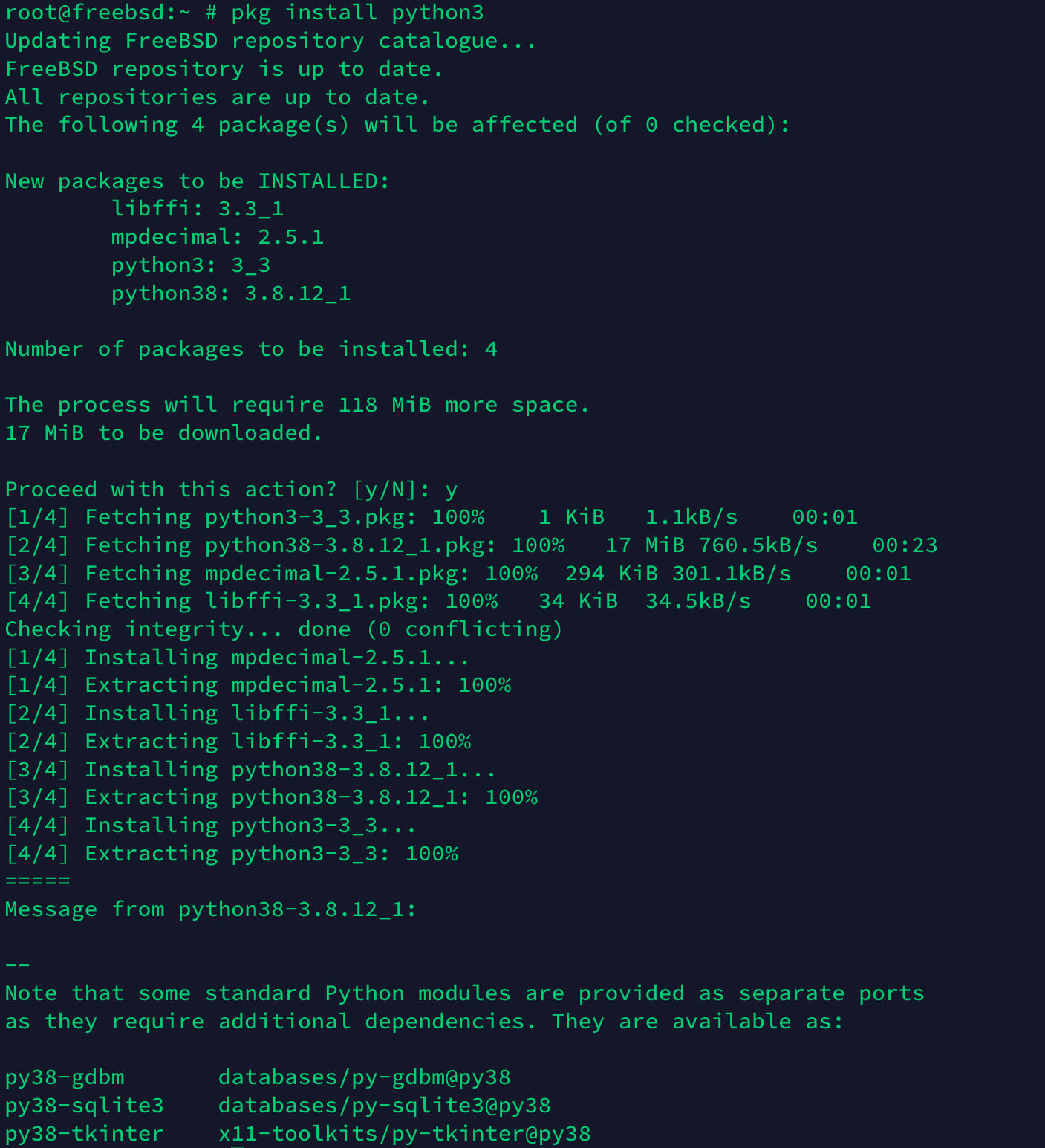
默认用户为 root,无密码。FreeBSD 的包管理器为 pkg,初次使用需要联网下载。pkg 用法与 apt 类似:
- 更新软件包列表
pkg update - 安装软件包
pkg install 软件包名 - 卸载软件包
pkg delete 软件包名 - 搜索软件包
pkg search 软件包名
图集
转载或引用本文时请遵守 CC BY-NC-SA 4.0 许可协议,注明出处、不得用于商业用途!
评论